
Registration
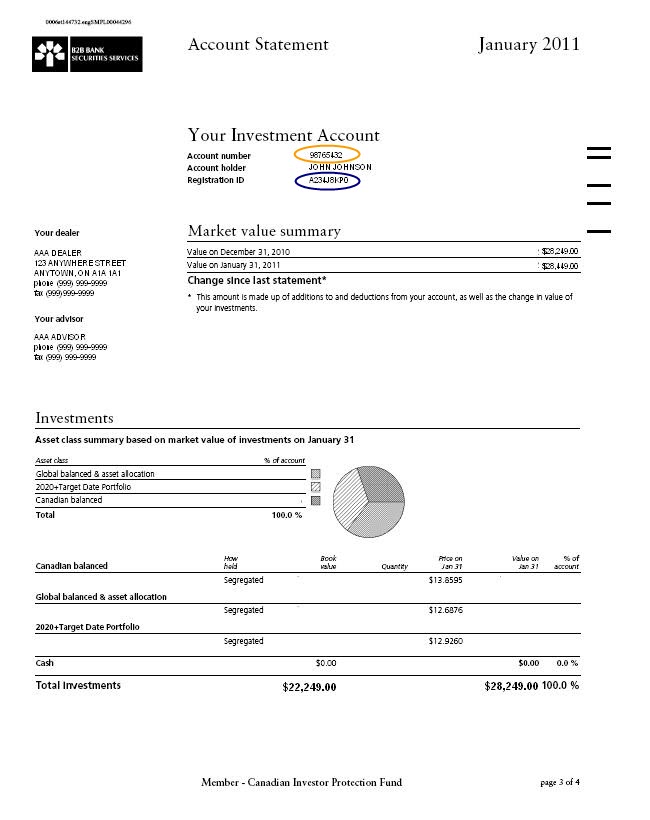
To register, please complete our simple 2-step process below:
Step 1:
If you currently don't have a registration PIN, start here by entering your registration ID and account number. Once this is complete, we will mail you your registration PIN.
Step 2:
If you received your registration PIN from step one or already have your registration PIN, please submit registration ID and registration PIN. When you log in to Investor Access for the first time, you will need to use your Registration PIN as your password.
Note: If you are missing your registration ID or account number, please contact B2B Bank Client Services at:
- Email: questions@b2bbank.com
- Phone: 1-800-263-8349
- Monday to Friday from 8:00 a.m. to 8:00 p.m. ET